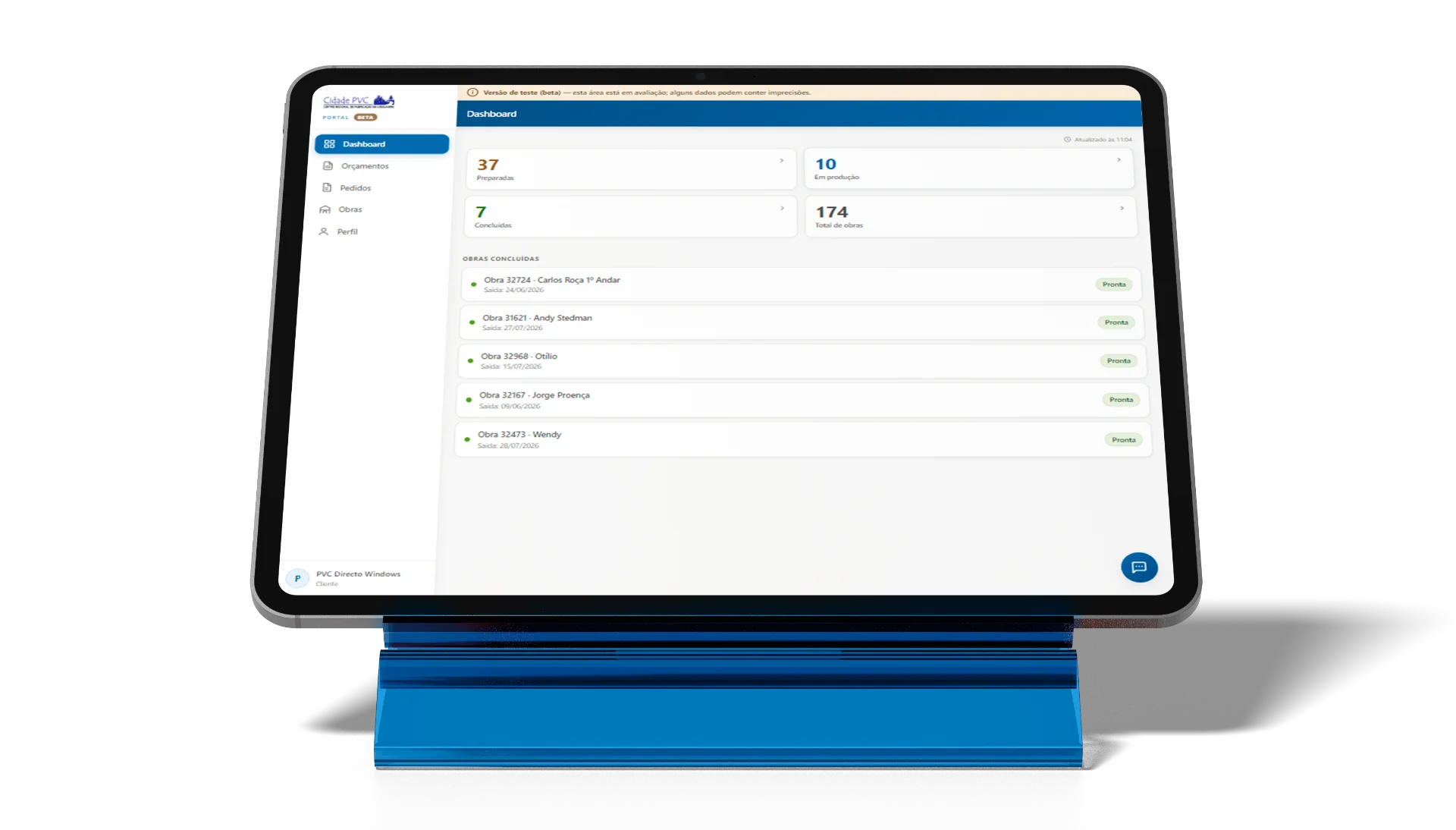
Everything about your project.In one place.
Track quotes, projects, materials, documents and requests through the new Cidade PVC client portal.
Free access, exclusive to Cidade PVC customers. No monthly fees, no sign-up costs.
All your information in one place
Stop digging through scattered emails, documents and conversations.
Follow every stage
Check the current status of the project and the key milestones along the way.
Talk to Cidade PVC
Send questions, track complaints and request dispatch.
No cost to you
Access to the Client Portal is provided free of charge.
Your relationship with Cidade PVC, now in a single portal.
The Cidade PVC Client Portal was created to give you a clearer view of your quotes, orders and projects. Instead of relying on several contacts to get information, you can check the main details of your account and follow the progress of each project through a personal area.
 Less uncertainty. More control.
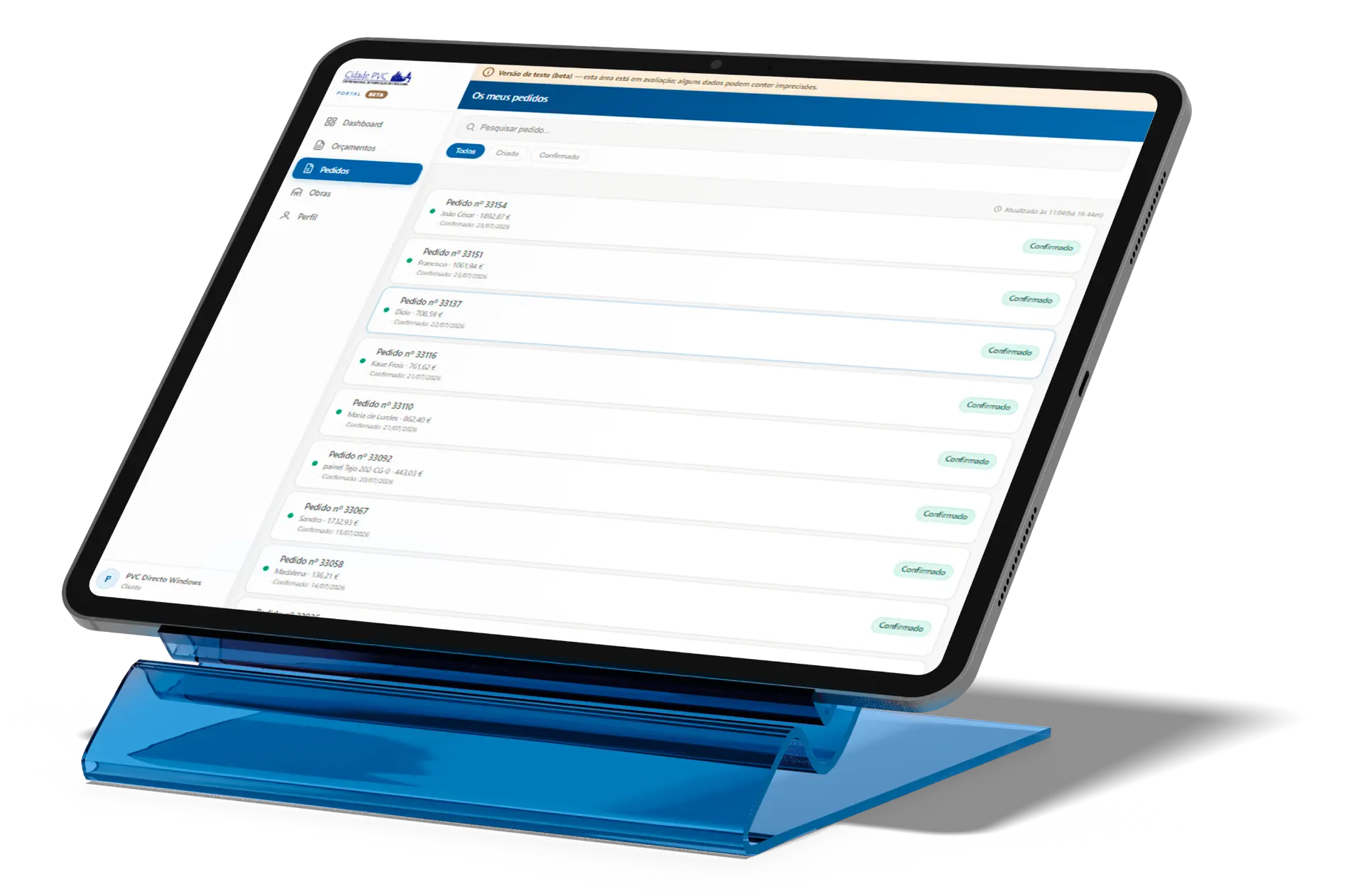
Everything your client area brings together.
Personalised dashboard
See how many projects are prepared, in production or ready, and check the projects scheduled for the day.
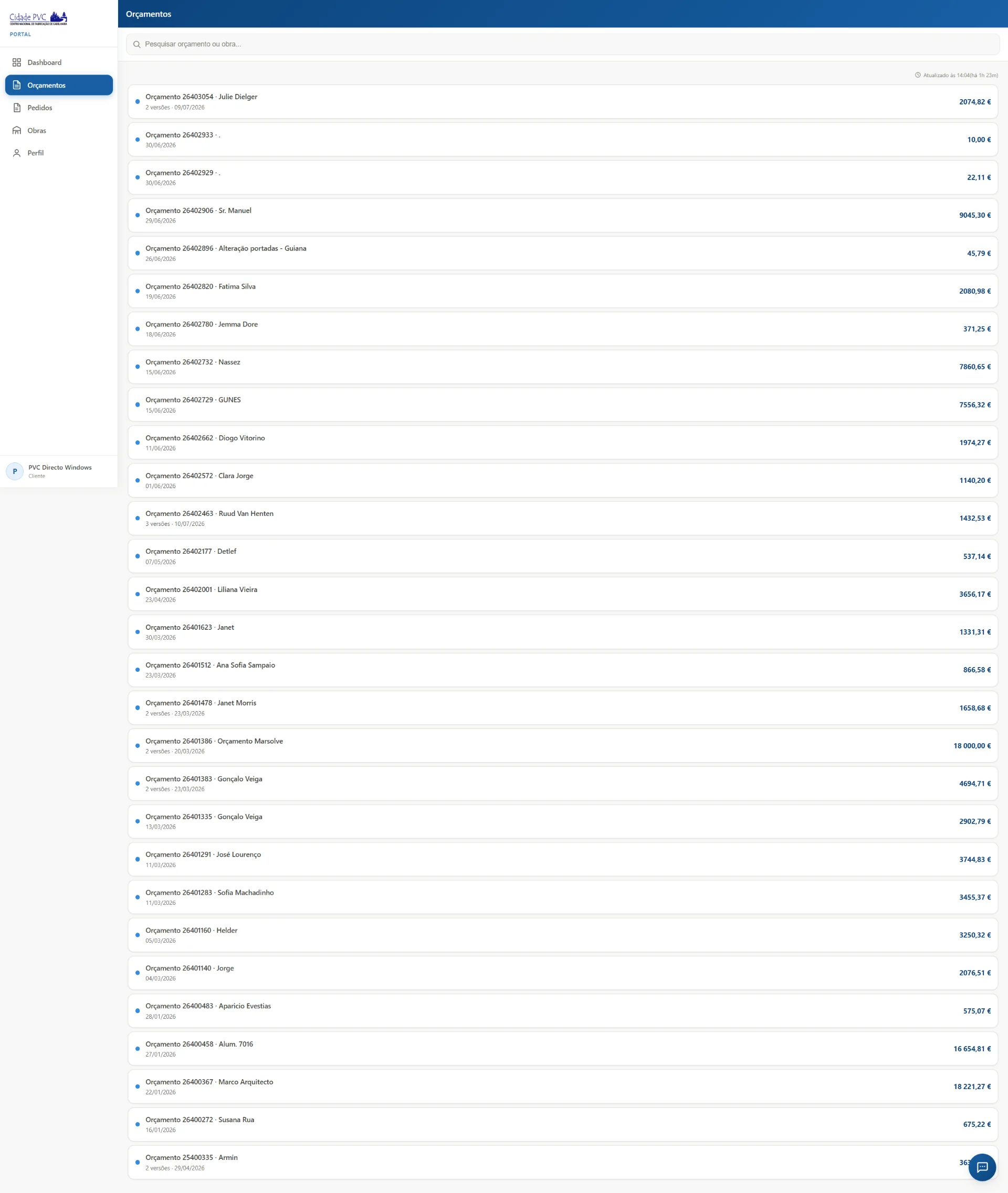
Organised quotes
View every version of a quote, compare the price variation and see images of the proposed frames.
Project tracking
Search your projects, filter by status and follow the progress of each one on a timeline.
Frame details
See the openings included in each project, with an enlarged drawing, measurements and frame colour.
Material status
Confirm the arrival of the project's materials — glass, profile, hardware, panel glass and other components.
Centralised documents
View and download the packed-material documents linked to your projects.
Tracked complaints
Describe an issue, attach files, follow the replies and mark the matter as resolved.
Dispatch requests
When the project is ready, request its dispatch, suggest a preferred date and follow the status.
Review and compare your quotes.
Access the different versions of each quote, check the amount presented, see the VAT rate and understand the price variation between versions. You can also browse a gallery of the proposed frames.
- Version history and price variation
- Images of the frames
- Request to move forward to production
Ask the MyCidadePVC assistant.
The assistant helps you look up information about your projects, openings, orders, quotes, requests and complaints. It can also start a dispatch request or send a question to your sales contact about a quote.
Try the assistantWhat stage is my project at?Can I request dispatch for this project?Has the glass arrived yet?What are the measurements of this frame?Do I have any complaints awaiting a reply?Which is the latest version of the quote?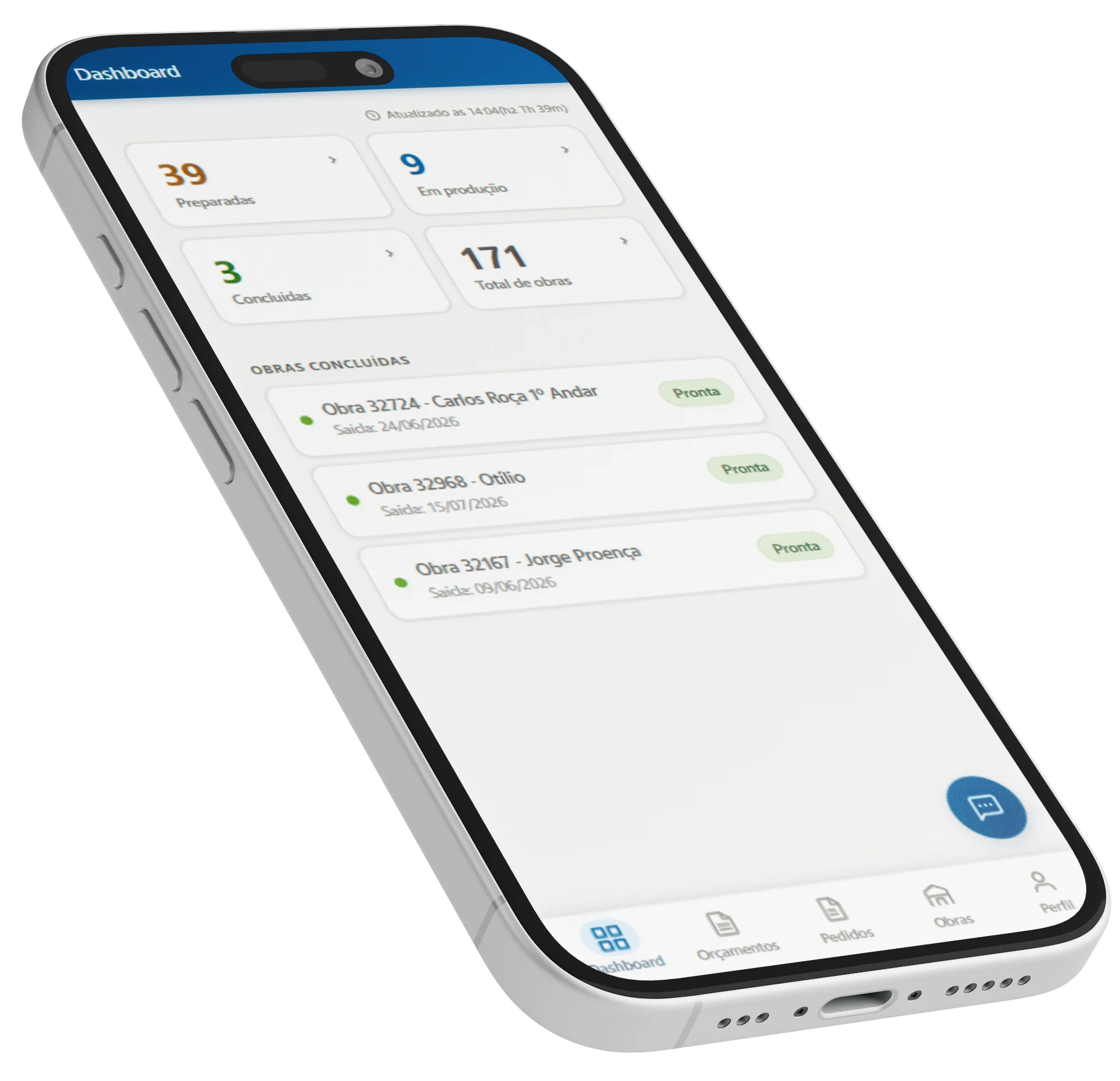
How to access the client portal.
Request your access
On the login screen, enter your company and the email address linked to your customer account.
Wait for validation
The request will be reviewed by the Cidade PVC team before access is granted.
Sign in to your area
Once approved, you can sign in and view the information linked to your company.
Access to the portal is free and reserved for Cidade PVC customers.
Still have questions?
We have gathered the most common questions about accessing and using MyCidadePVC.